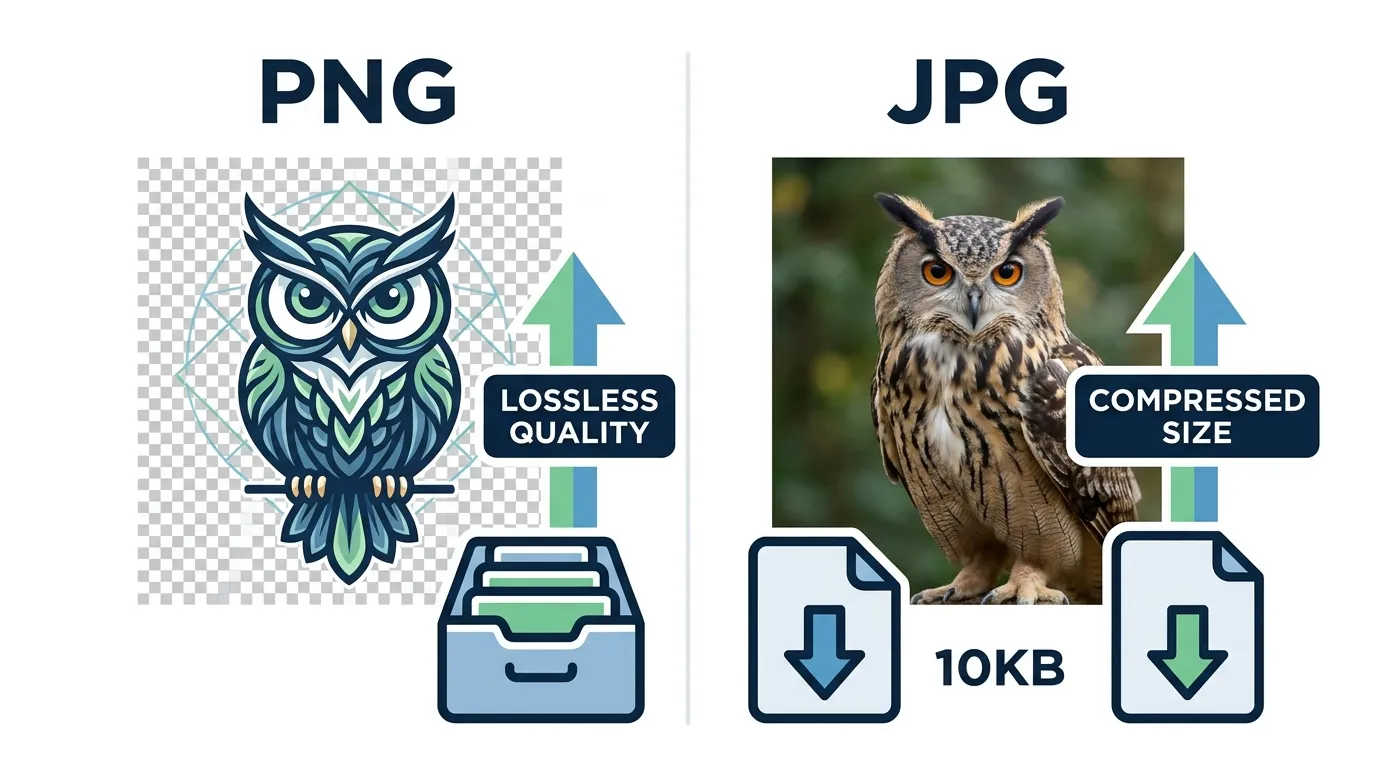
PNG is a lossless image format with transparency support, while JPG is a compressed format used for smaller file sizes and faster loading.
The difference between PNG and JPG is one of the most searched topics in digital imaging, especially for designers, students, and content creators.
Many users get confused when choosing between PNG and JPG because both formats are widely used for images on websites, social media, and apps like Instagram, YouTube, and even design tools like Canva and Photoshop.
In simple words, the difference between PNG and JPG comes down to quality, compression, and transparency support. PNG is known for high-quality lossless images, while JPG is popular for smaller file sizes and faster loading.
Understanding the difference between PNG and JPG helps you choose the right format for web design, photography, branding, and optimization.
In this detailed guide, you will learn what PNG and JPG are, how they work, their key differences, real-world uses, and which one you should use in different situations. Let’s understand this clearly step by step.
Difference Between PNG and JPG
PNG keeps high-quality images with transparency, while JPG compresses images to reduce file size but slightly lowers quality.
Example: Logos use PNG, while photos on Instagram usually use JPG.
Definition of PNG and JPG
- PNG (Portable Network Graphics): A lossless image format that keeps full quality and supports transparent backgrounds.
- JPG (Joint Photographic Experts Group): A compressed image format designed for smaller file sizes, commonly used for photos.
Pronunciation
- PNG: “Pee-En-Gee” (US/UK same)
- JPG: “Jay-Peg” (US/UK same)
Comparison: Difference Between PNG and JPG
| Feature | PNG | JPG | Similarity |
| Image Quality | High, lossless | Good but compressed | Both store digital images |
| File Size | Larger | Smaller | Used in web & design |
| Transparency | Supported | Not supported | Used in editing |
| Compression | Lossless | Lossy | Both reduce image data |
| Usage | Logos, graphics | Photos, social media | Used in websites |
| Editing | Best for editing | Limited editing quality | Used in design tools |
| Loading Speed | Slower | Faster | Used online |
| Color Depth | High | Medium | Supports color images |
This table clearly shows the difference and similarity between PNG and JPG for quick understanding.
Key Differences Explained Between PNG and JPG
1. Image Quality
PNG keeps full image quality without loss. JPG reduces quality slightly for smaller files.
Example: Designers use PNG for logos in Adobe Photoshop.
2. File Size
JPG files are smaller, making them ideal for websites and Instagram posts. PNG files are larger.
Example: YouTube thumbnails often use JPG for fast loading.
3. Transparency Support
PNG supports transparent backgrounds, JPG does not.
Example: Transparent logos on websites use PNG format.
4. Compression Type
PNG uses lossless compression, while JPG uses lossy compression.
Example: Professional graphic design prefers PNG.
5. Usage Purpose
PNG is used for design and branding; JPG is used for photography.
Example: Instagram photos = JPG, website icons = PNG.
6. Editing Flexibility
PNG is better for editing because it preserves quality. JPG loses detail after multiple edits.
Example: Canva designers prefer PNG for graphics.
7. Performance on Web
JPG loads faster on websites, improving performance. PNG may slow pages if used excessively.
Example: Google recommends optimized JPG for speed.
8. Color Accuracy
PNG maintains better color detail compared to JPG.
Example: Product design images use PNG for accuracy.
Why PNG and JPG Exist
PNG was created to improve image quality and support transparency. JPG was designed to reduce file size for faster internet sharing. Both solve different digital problems quality vs performance.
How PNG and JPG Work in Digital Systems
PNG stores image data without losing detail, while JPG removes unnecessary visual data to shrink file size. Platforms like Google, Instagram, and Facebook automatically compress images to balance quality and speed.
Difference and Similarity
| Feature | PNG | JPG | Similarity |
| Purpose | High-quality graphics | Photos & web images | Digital image formats |
| Transparency | Yes | No | Used in editing tools |
| Compression | No loss | Lossy compression | Optimize storage |
| Usage | Design work | Social media | Online usage |
| Performance | Slower | Faster | Web compatible |
Common Mistakes with PNG and JPG
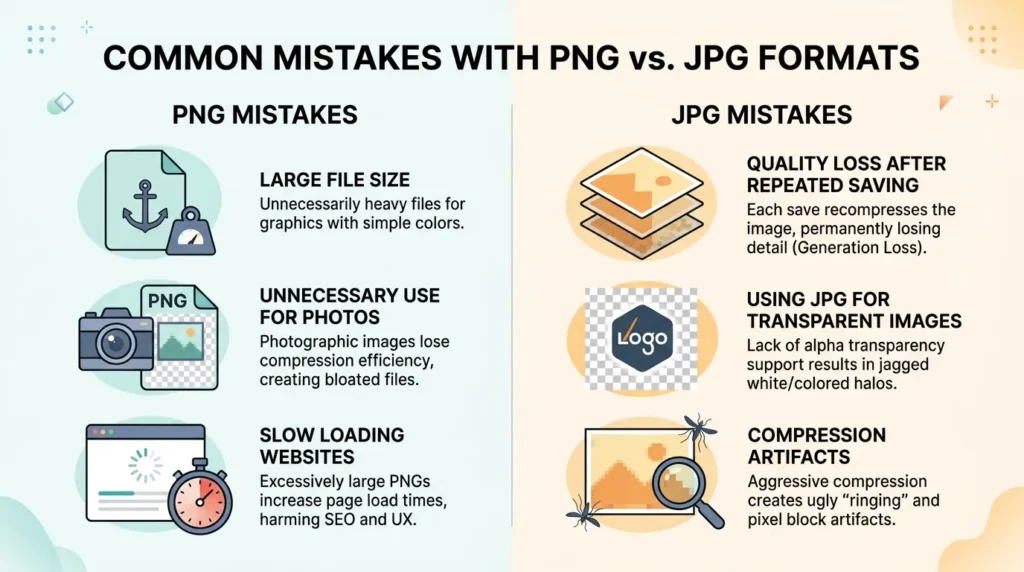
- Using PNG for all images → increases website loading time
- Using JPG for logos → reduces quality
- Ignoring transparency needs
- Uploading large PNG files on social media
- Not optimizing JPG compression
- Confusing format selection in design tools
Real-Life Examples
- Business logos → PNG format
- Instagram photos → JPG format
- Website banners → JPG for speed
- App icons → PNG for transparency
- E-commerce products → JPG for fast loading
- Graphic design mockups → PNG for quality
When to Use PNG vs JPG
- Use PNG when you need high quality and transparency
- Use JPG when you need smaller file size and faster loading
Why People Get Confused Between PNG and JPG
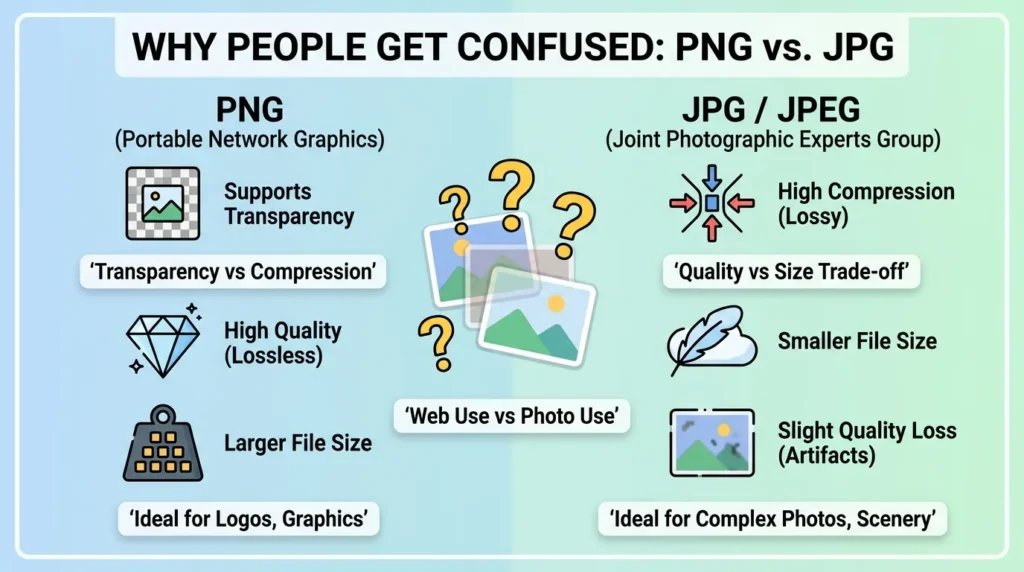
People confuse PNG and JPG because both look similar and store images. Social media platforms also automatically convert formats, making the difference less visible. Beginners often don’t understand compression vs quality trade-offs.
How Search Engines Understand PNG and JPG
Google prioritizes fast-loading images. JPG helps improve page speed, which boosts rankings. PNG is used when visual quality matters more than speed. Instagram and Meta platforms compress both formats to optimize performance.
Expert Insight
In professional web design and optimization, choosing between PNG and JPG directly impacts user experience. Experts always balance quality and performance. From an perspective, JPG is preferred for blogs, while PNG is essential for branding and UI design consistency.
FAQs
1. Which is better, PNG or JPG?
It depends on use PNG for quality, JPG for speed.
2. Does PNG lose quality?
No, PNG is lossless.
3. Why is JPG smaller?
Because it uses compression.
4. Can JPG support transparency?
No.
5. Is PNG good for websites?
Yes, but should be optimized.
6. Which is best for photos?
JPG.
7. Which is best for logos?
PNG.
8. Do social media platforms compress images?
Yes, both PNG and JPG are compressed.
Conclusion
The difference between PNG and JPG is mainly based on quality, compression, and usage purpose. PNG is best when you need high-quality images with transparency, while JPG is ideal for smaller file sizes and faster performance. In real-world applications like web design, and social media, both formats play an important role.
Understanding the difference between PNG and JPG helps designers, bloggers, and developers make smarter decisions. If your goal is branding and clarity, choose PNG. If your goal is speed and performance, choose JPG. In modern digital platforms like Google, Instagram, and YouTube, both formats are essential depending on the context.
Read more about!
Difference Between Metaphor and Analogy: Simple Guide
Difference Between Acute and Chronic: Complete Guide

I am Emily Johnson, a USA-based content writer who creates easy-to-read blogs on language and daily life topics. I explain complex ideas in simple English for students and beginners so they can understand easily.